MQTT Module
The MQTT module is an essential library in JARU that provides a robust set of tools to facilitate communication and message exchange based on the MQTT protocol (Message Queuing Telemetry Transport). This protocol is widely recognized and used in the Internet of Things (IoT) world, where devices of different natures need to communicate efficiently and lightly.
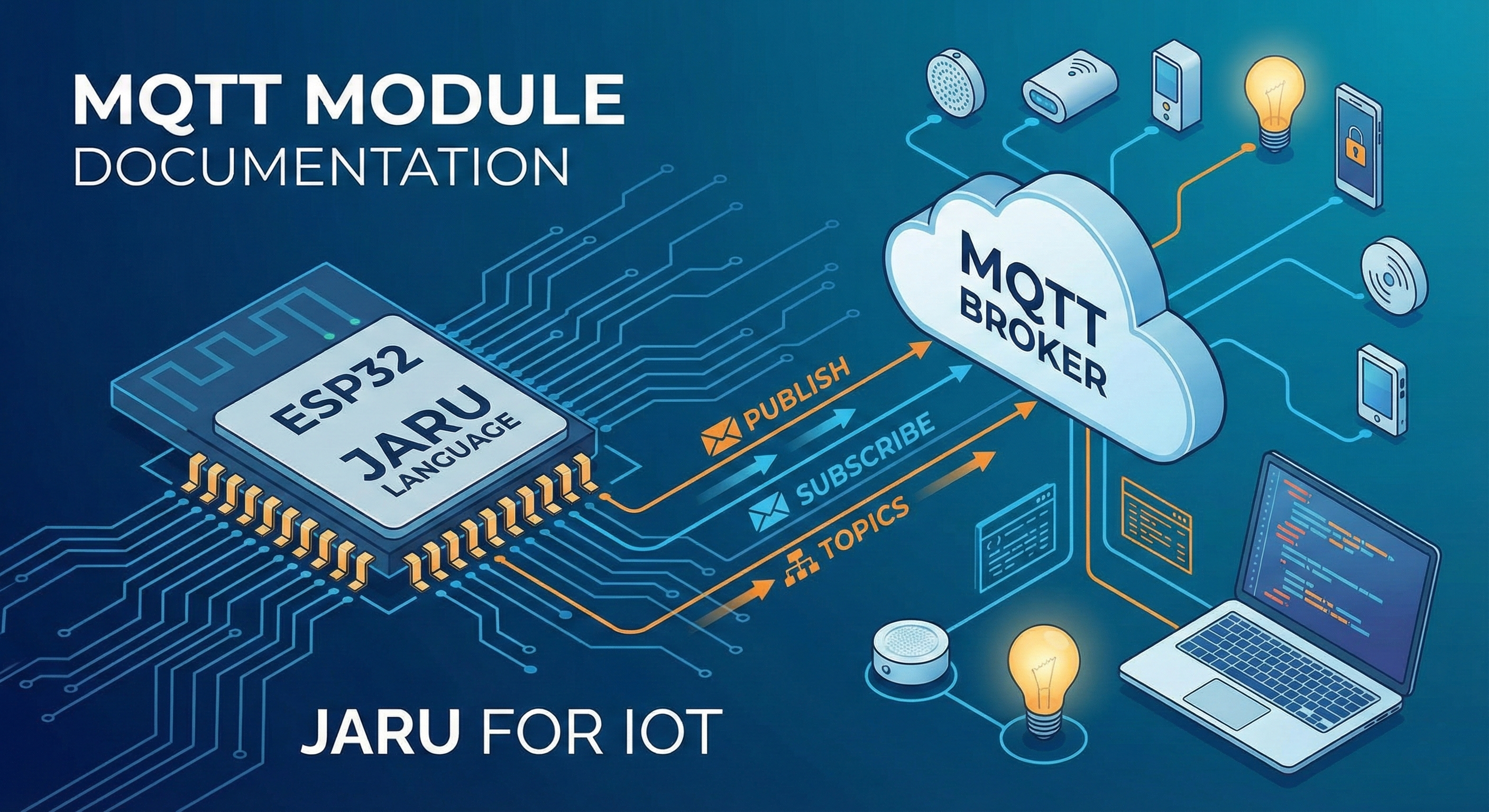
This module is particularly valuable for developers working in the realm of connected devices, from small sensors to complex embedded systems. Whether you're looking to send data from a sensor to a centralized server or receive instructions and commands from an MQTT broker to your device, the JARU MQTT module provides you with the necessary tools to do it simply and effectively.
Usage
use MQTT
With the MQTT module, you can easily subscribe to specific topics, publish messages, and set callback functions that are triggered when receiving certain messages. All while maintaining low resource consumption, an essential aspect in IoT devices.
Functions
publish
The publish function of the MQTT module allows sending messages through the MQTT protocol. This function lets you publish information, data, or commands to a specific topic, facilitating communication between devices on an MQTT network.
MQTT.publish(topic, payload)
Parameters
| Parameter | Type | Description |
|---|---|---|
topic | string | Character string that defines the topic (or "channel") to which the message will be sent |
payload | string | Content of the message you want to send |
Return
Returns true if the message is published successfully. Otherwise, returns an error value.
Example
use MQTT

var temperature = 25.5
MQTT.publish("sensors/temperature", temperature)

// Publish JSON data
MQTT.publish("device/status", '{"active": true, "battery": 85}')
It's important to consider the conventions and structures of MQTT topics to ensure effective communication. Proper choice of topics and hierarchical structure can significantly improve the efficiency and clarity of your system.
subscribe
The subscribe function of the MQTT module allows you to subscribe to a specific topic in MQTT, meaning your device will be attentive and receive all messages published to that topic.
MQTT.subscribe(topic)
Parameters
| Parameter | Type | Description |
|---|---|---|
topic | string | Character string that defines the topic you want to subscribe to |
Return
Returns true if the topic subscription is successful. In case of any problem, returns an error value.
Example
use MQTT

MQTT.subscribe("home/living_room/lighting")
MQTT.subscribe("commands/#")  // Subscription with wildcard
The choice of the topic you subscribe to is fundamental. It's recommended to have a well-defined structure and nomenclature for topics in your MQTT network, ensuring that each device subscribes only to the information it really needs.
unsubscribe
The unsubscribe function allows canceling the subscription to a previously subscribed MQTT topic. This is useful when you no longer need to receive messages from a specific topic.
MQTT.unsubscribe(topic)
Parameters
| Parameter | Type | Description |
|---|---|---|
topic | string | Character string that defines the topic you want to unsubscribe from |
Return
Returns true if the unsubscription is successful.
Example
use MQTT

// Subscribe to a topic
MQTT.subscribe("sensors/temperature")

// Later, unsubscribe
MQTT.unsubscribe("sensors/temperature")
callback
The callback function sets a JARU function that will be automatically invoked each time a message is received on any of the subscribed topics. This is the primary way to process incoming MQTT messages.
MQTT.callback(function)
Parameters
| Parameter | Type | Description |
|---|---|---|
function | function/string | Callback that will receive two parameters: topic and payload (message content). Accepts a direct reference (myFunction), an object method (object.method) or a name string ("myFunction") |
Return
Returns true if the callback is set correctly.
Example
use MQTT

// Define the function that will process messages
func processMessage(topic, payload)
    println("Topic: ", topic)
    println("Message: ", payload)

    if (topic == "commands/led") then
        if (payload == "on") then
            GPIO.write(2, GPIO.HIGH)
        else
            GPIO.write(2, GPIO.LOW)
        end
    end
end

// Set the callback
MQTT.callback(processMessage)

// Subscribe to topics
MQTT.subscribe("commands/led")
MQTT.subscribe("commands/motor")
The callback is executed automatically when an MQTT message arrives. The function always receives two parameters: the topic where the message was published and the payload (content) of the message. If the signature doesn't have exactly 2 parameters, the message is silently discarded.
Example with a class method
The callback can also be an instance method; it runs with its own this and MQTT keeps the instance alive while it's registered:
use MQTT

class Station
    def init(name)
        this.name = name
        this.messages = 0
    end

    def onMessage(topic, payload)
        this.messages = this.messages + 1
        println(this.name, " received: ", payload)
    end
end

var weather = Station("Weather")
MQTT.callback(weather.onMessage)
MQTT.subscribe("sensors/#")
isConnect
The isConnect function allows checking the connection status with the MQTT broker. It's useful for verifying if the device is connected before attempting to publish messages or for implementing reconnection logic.
MQTT.isConnect()
Parameters
This function takes no parameters.
Return
| Value | Description |
|---|---|
true | The device is connected to the MQTT broker |
false | The device is not connected |
Example
use MQTT

// Check connection before publishing
if (MQTT.isConnect()) then
    MQTT.publish("sensors/status", "active")
    println("Message sent")
else
    println("Error: No MQTT connection")
end

// Loop with connection check
while (true)
    if (MQTT.isConnect()) then
        var temp = readTemperature()
        MQTT.publish("sensors/temperature", temp)
    else
        println("Waiting for connection...")
    end
    pause(5000)
end
pubinfo
The pubinfo function publishes device hardware information. This function is useful for diagnostics and for identifying devices on an IoT network.
MQTT.pubinfo()
Parameters
This function takes no parameters.
Return
Returns true after publishing the information.
Example
use MQTT

// Publish hardware information
MQTT.pubinfo()
// Prints: {"HWVersion":"0.9.8"}
Complete Example: IoT System
use MQTT
use GPIO

// Configure LED
GPIO.pinmode(2, GPIO.OUT)

// Variable to store last state
var lastState = "unknown"

// Callback function to process messages
func onMessage(topic, payload)
    println("[MQTT] ", topic, " -> ", payload)

    if (topic == "device/led") then
        if (payload == "on") then
            GPIO.write(2, GPIO.HIGH)
            lastState = "on"
        elsif (payload == "off") then
            GPIO.write(2, GPIO.LOW)
            lastState = "off"
        end
        // Confirm state change
        MQTT.publish("device/led/status", lastState)
    end
end

// Set callback
MQTT.callback(onMessage)

// Subscribe to topics
MQTT.subscribe("device/led")
MQTT.subscribe("device/config")

// Main loop
while (true)
    if (MQTT.isConnect()) then
        // Publish heartbeat every 10 seconds
        MQTT.publish("device/heartbeat", "alive")
    end
    pause(10000)
end
Example: Temperature Sensor
use MQTT
use GPIO

var sensorPin = 34

func readTemperature()
    var value = GPIO.aread(sensorPin)
    // Convert to temperature (simplified example)
    return (value / 4095.0) * 100.0
end

// Callback for commands
func onCommand(topic, payload)
    if (payload == "read") then
        var temp = readTemperature()
        MQTT.publish("sensor/temperature/value", temp)
    end
end

MQTT.callback(onCommand)
MQTT.subscribe("sensor/temperature/command")

// Publish temperature periodically
while (true)
    if (MQTT.isConnect()) then
        var temp = readTemperature()
        MQTT.publish("sensor/temperature", temp)
    end
    pause(30000)  // Every 30 seconds
end
Connection Configuration
The MQTT broker connection configuration (server, port, credentials) is done through JARU Tools or the ESP32 device's boot.cfg configuration file. The MQTT module automatically uses this configuration on startup.
Supported Platforms
| Platform | Support | Notes |
|---|---|---|
| Windows (SDL2) | ✅ | Requires accessible MQTT broker |
| ESP32 | ✅ | Full support with WiFi |
| Emscripten (Web) | ❌ | Not available |