GPIO Module
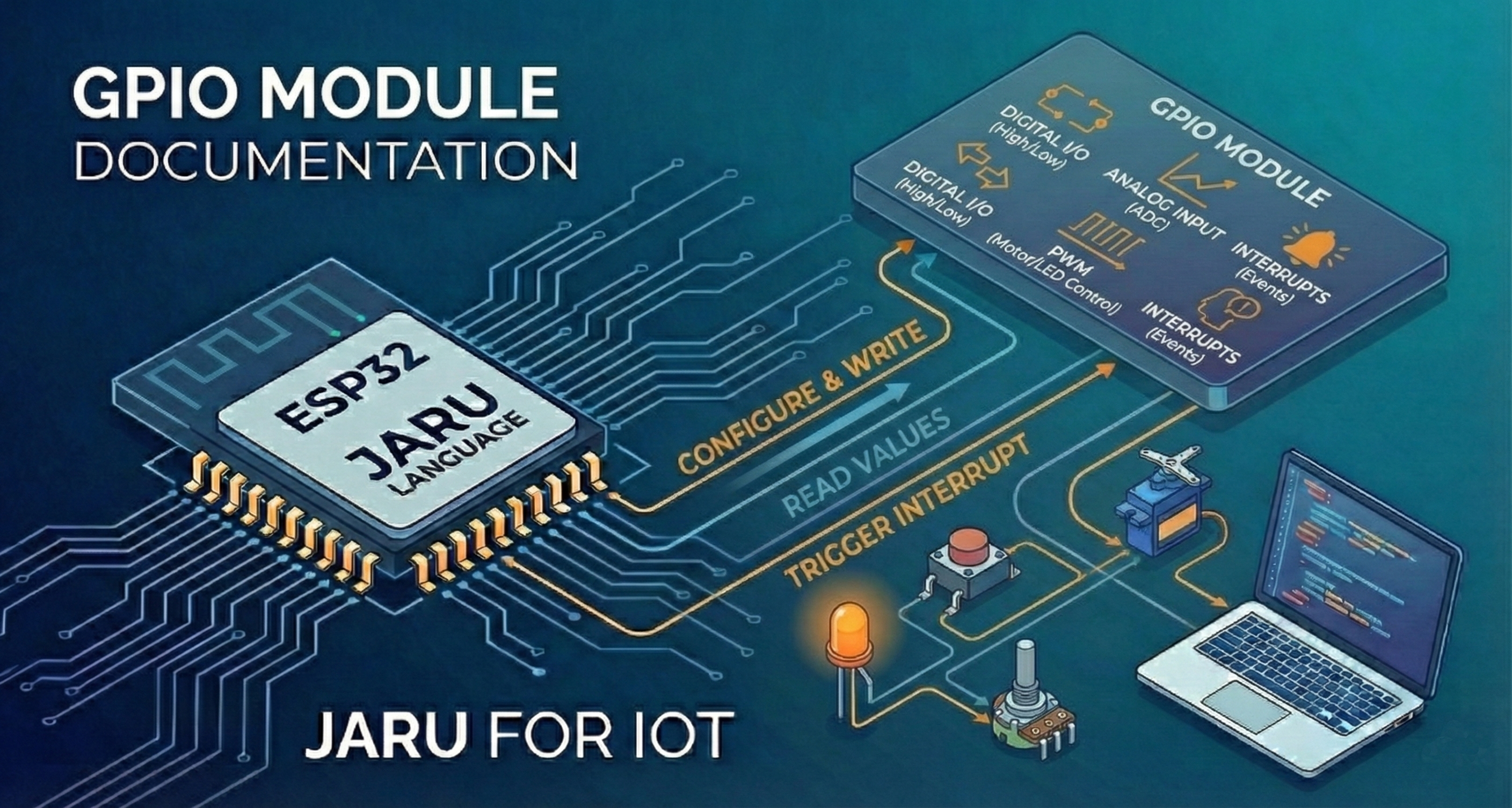
The GPIO (General Purpose Input/Output) module allows you to control the ESP32 input and output pins, including digital read/write, PWM (Pulse Width Modulation), and hardware interrupt handling.
Usage
use GPIO
Functions
pinmode
Configures the operating mode of a GPIO pin.
GPIO.pinmode(pin, mode)
Parameters:
| Parameter | Description |
|---|---|
pin | GPIO pin number |
mode | Pin operating mode |
Available modes:
| Constant | Description |
|---|---|
GPIO.INPUT | Input mode |
GPIO.OUTPUT | Output mode |
GPIO.PULLUP | Input mode with internal pull-up resistor |
GPIO.PULLDOWN | Input mode with internal pull-down resistor |
GPIO.OPEN_DRAIN | Open-drain output mode |
Example:
use GPIO

// Configure pin 2 as output (built-in LED)
GPIO.pinmode(2, GPIO.OUTPUT)

// Configure pin 15 as input with pull-up
GPIO.pinmode(15, GPIO.PULLUP)
write
Writes a digital value (HIGH or LOW) to a pin configured as output.
GPIO.write(pin, value)
Parameters:
| Parameter | Description |
|---|---|
pin | GPIO pin number |
value | Value to write: 1 / true (HIGH) or 0 / false (LOW) |
Example:
use GPIO

GPIO.pinmode(2, GPIO.OUTPUT)

// Turn LED on
GPIO.write(2, 1)
pause(1000)

// Turn LED off
GPIO.write(2, 0)
read
Reads the digital state of a pin configured as input.
var value = GPIO.read(pin)
Parameters:
| Parameter | Description |
|---|---|
pin | GPIO pin number |
Returns: 0 (LOW) or 1 (HIGH).
Example:
use GPIO

GPIO.pinmode(15, GPIO.INPUT)

var state = GPIO.read(15)
if (state == 1) then
    println("Pin 15: HIGH")
else
    println("Pin 15: LOW")
end
aread
Reads the analog value of a pin using the analog-to-digital converter (ADC).
var value = GPIO.aread(pin)
Parameters:
| Parameter | Description |
|---|---|
pin | GPIO pin number with ADC capability |
Returns: Integer value between 0 and 4095 (12-bit resolution by default).
Example:
use GPIO

// Read analog value from pin 34
var value = GPIO.aread(34)
println("Analog value: ", value)
Only certain ESP32 pins have ADC capability. Check your board's documentation for available pins.
awrite
Writes an analog (PWM) value to a pin. The ESP32 automatically manages PWM channel assignment.
GPIO.awrite(pin, value)
Parameters:
| Parameter | Description |
|---|---|
pin | GPIO pin number |
value | Duty cycle value (0 to maximum based on resolution) |
Example:
use GPIO

// LED at 50% brightness (value 512 with 10-bit resolution)
GPIO.awrite(2, 512)
The maximum value depends on the configured resolution. With 10 bits (default), the range is 0-1023. With 8 bits it would be 0-255.
If value exceeds the maximum for the configured resolution, it is automatically clamped to the maximum — no error is thrown.
resolution
Sets the PWM resolution in bits (1-16).
// Set global resolution for all channels
GPIO.resolution(bits)

// Set resolution for a specific pin
GPIO.resolution(pin, bits)
Parameters:
| Parameter | Description |
|---|---|
bits | Resolution in bits (1-16) |
pin | GPIO pin number (optional) |
Example:
use GPIO

// Set 8-bit resolution (values 0-255)
GPIO.resolution(8)

// Or set resolution only for pin 2
GPIO.resolution(2, 12)  // 12 bits = values 0-4095
frequency
Sets the PWM frequency in Hz. The default frequency for all channels is 2000 Hz.
// Set global frequency for all channels
GPIO.frequency(frequency)

// Set frequency for a specific pin
GPIO.frequency(pin, frequency)
Parameters:
| Parameter | Description |
|---|---|
frequency | Frequency in Hz |
pin | GPIO pin number (optional) |
Example:
use GPIO

// Set 5000 Hz frequency for all channels
GPIO.frequency(5000)

// Or set frequency only for pin 2
GPIO.frequency(2, 1000)  // 1 kHz
getduty
Gets the current duty cycle value of a PWM pin.
var duty = GPIO.getduty(pin)
Parameters:
| Parameter | Description |
|---|---|
pin | GPIO pin number |
Returns: Current duty cycle value.
Example:
use GPIO

GPIO.awrite(2, 512)
var duty = GPIO.getduty(2)
println("Current duty cycle: ", duty)
detach
Detaches a pin from its PWM channel, freeing the channel for other uses.
GPIO.detach(pin)
Parameters:
| Parameter | Description |
|---|---|
pin | GPIO pin number |
Example:
use GPIO

GPIO.awrite(2, 512)
// ... use PWM ...
GPIO.detach(2)  // Free the PWM channel
onInterrupt
Configures a hardware interrupt on a GPIO pin. When the specified event occurs, the callback function is executed.
GPIO.onInterrupt(pin, mode, callback)
Parameters:
| Parameter | Description |
|---|---|
pin | GPIO pin number |
mode | Event type that triggers the interrupt |
callback | Function to execute when the interrupt occurs: direct reference (myFunction), an object method (object.method) or a name string ("myFunction") |
Interrupt modes:
| Constant | Description |
|---|---|
GPIO.RISING | Rising edge (LOW → HIGH) |
GPIO.FALLING | Falling edge (HIGH → LOW) |
GPIO.CHANGE | Any state change |
GPIO.ONLOW | While pin is at low level |
GPIO.ONHIGH | While pin is at high level |
Example:
use GPIO

var counter = 0

func buttonPressed(pin, value)
     counter = counter + 1
     println("Button pressed! Counter: ", counter)
end

GPIO.pinmode(15, GPIO.PULLUP)
GPIO.onInterrupt(15, GPIO.FALLING, buttonPressed)

// Program continues running
while (true)
    pause(1000)
end
The callback function receives two parameters: the pin number and the current pin value (0 or 1). If the signature doesn't have exactly 2 parameters, the event is silently discarded. The ESP32 supports a maximum of 16 simultaneous GPIO interrupts.
Example with a class method:
The callback can also be an instance method; it runs with its own this and the interrupt keeps the instance alive while it's registered:
use GPIO

class Button
    def init(pin)
        this.pin = pin
        this.presses = 0
        GPIO.pinmode(pin, GPIO.PULLUP)
        GPIO.onInterrupt(pin, GPIO.FALLING, this.onPress)
    end

    def onPress(pin, value)
        this.presses = this.presses + 1
    end
end

var button = Button(15)
offInterrupt
Disables the interrupt associated with a GPIO pin.
GPIO.offInterrupt(pin)
Parameters:
| Parameter | Description |
|---|---|
pin | GPIO pin number |
Example:
use GPIO

// Configure interrupt
GPIO.onInterrupt(15, GPIO.FALLING, myCallback)

// ... later, disable the interrupt
GPIO.offInterrupt(15)
Constants
Pin modes
| Constant | Value | Description |
|---|---|---|
GPIO.INPUT | 0x01 | Input mode |
GPIO.OUTPUT | 0x02 | Output mode |
GPIO.PULLUP | 0x05 | Input mode with pull-up resistor |
GPIO.PULLDOWN | 0x09 | Input mode with pull-down resistor |
GPIO.OPEN_DRAIN | 0x12 | Open-drain output mode |
Interrupt modes
| Constant | Value | Description |
|---|---|---|
GPIO.RISING | 1 | Rising edge |
GPIO.FALLING | 2 | Falling edge |
GPIO.CHANGE | 3 | Any change |
GPIO.ONLOW | 4 | Low level |
GPIO.ONHIGH | 5 | High level |
Examples
LED Blinking
use GPIO

GPIO.pinmode(2, GPIO.OUTPUT)

while (true)
    GPIO.write(2, 1)
    pause(500)
    GPIO.write(2, 0)
    pause(500)
end
Brightness control with PWM
use GPIO

GPIO.pinmode(2, GPIO.OUTPUT)
GPIO.resolution(2, 8)  // 8 bits: 0-255
GPIO.frequency(2, 5000)

// Breathing effect
while (true)
    // Increase brightness
    for (var i = 0; i < 256; i = i + 5)
        GPIO.awrite(2, i)
        pause(20)
    end

    // Decrease brightness
    for (var i = 255; i >= 0; i = i - 5)
        GPIO.awrite(2, i)
        pause(20)
    end
end
Button reading with interrupt
use GPIO

var ledOn = false

func toggleLED(pin, value)
     ledOn = !ledOn
     GPIO.write(2, ledOn)
end

// LED as output
GPIO.pinmode(2, GPIO.OUTPUT)

// Button with pull-up (active low)
GPIO.pinmode(15, GPIO.PULLUP)
GPIO.onInterrupt(15, GPIO.FALLING, toggleLED)

// Main loop
while (true)
    pause(100)
end
Analog sensor reading
use GPIO

while (true)
    var value = GPIO.aread(34)
    var voltage = value * 3.3 / 4095
    println("ADC: ", value, " - Voltage: ", voltage, "V")
    pause(500)
end